


Senior Word Game
4.81.38K Reviews
App Specs
- Version
- 1.3.0
- Updated On
- License
- Free
- Downloads
- 500,000+
- Developer
- EPIC PANDA GAMES
- Categories
- Word
- Platform
- Android
Screenshots
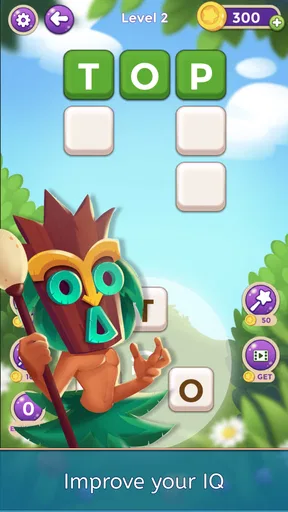
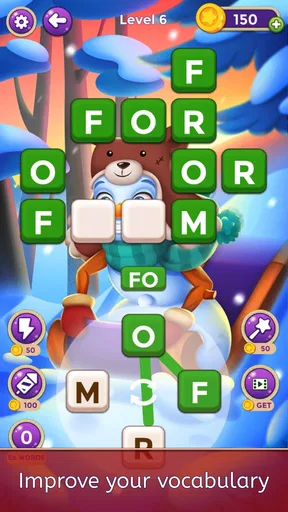
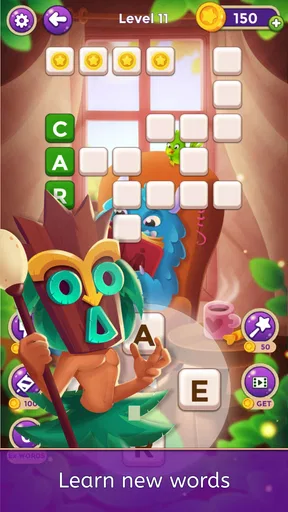
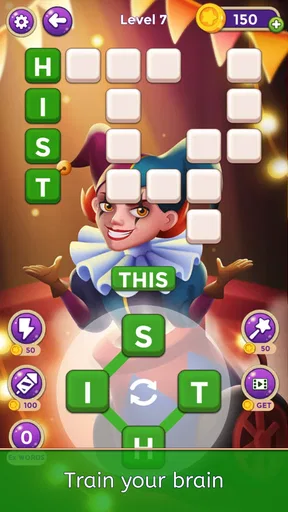
 Analysis by AppCompare
I approached Senior Word Game expecting a simple collection of word puzzles, but its real appeal is more specific: it turns short, quiet play sessions into a gentle mental routine. Developed by EPIC PANDA GAMES, this free word game is aimed at players who enjoy vocabulary challenges without the pressure, noise, or complicated controls found in many modern mobile games. After spending time with it, my view is clear: it is best understood as a calm daily exercise for people who want to keep their minds active, not as a fast, competitive word battle.
That distinction matters. If you want dramatic effects, live opponents, or a constantly changing social feed, this will probably feel too restrained. If you prefer solving at your own pace, revisiting familiar word patterns, and playing without needing an internet connection, it makes a much stronger case. The game is free to start, carries an Everyone age rating, and has reached over 500 thousand installs, with an average rating of 4.8 from around 6.9 thousand ratings. Those figures suggest that its straightforward approach is connecting with a sizeable audience.
What makes the puzzle experience work
I’ll look at what makes the puzzles comfortable to return to, including how a short session can fit around ordinary routines without turning into a test of speed. I’ll also weigh that calm approach against word games built around competition or deeper study, so it’s easier to decide which style suits you.
A relaxed format that suits short sessions
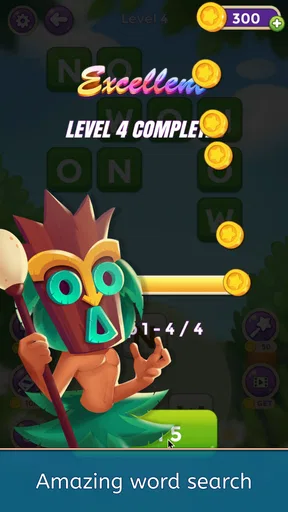
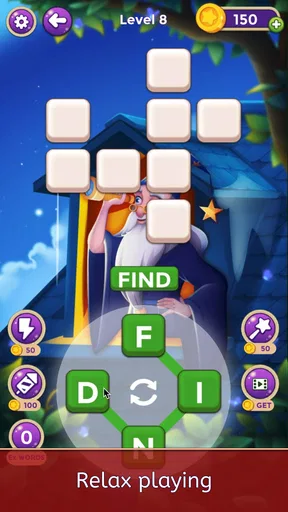
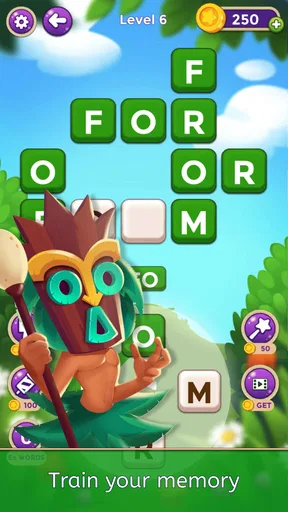
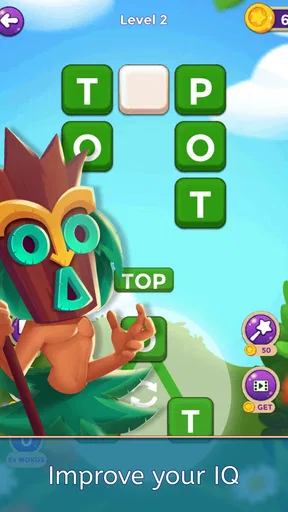
The first strength I noticed is how easy it is to fit into an ordinary day. I could open it for a few minutes while waiting for an appointment, play a little before bed, or use it as a break from more demanding screen time. The word-puzzle format does not ask me to learn a complicated control scheme. That makes the game approachable for older players, casual users, and anyone who would rather think through a challenge than react quickly.
The store summary presents it as an offline game designed to support brainpower and memory skills, and that description matches the way I experienced it. The important point is not that every puzzle suddenly transforms memory or vocabulary. Instead, the game creates repeated opportunities to notice letters, recall words, test possibilities, and correct mistakes. That repetition can make it a useful mental habit, especially when played in small, regular sessions rather than in one long stretch.
I also appreciate the absence of a requirement to treat every round like a performance. Many word games push timers, streaks, rankings, or head-to-head competition. Those systems can be motivating, but they can also make a relaxing pastime feel like another task. Senior Word Game works better when I allow myself to pause, consider a word, and continue without worrying about how quickly someone else might solve the same challenge.
Why the offline focus is more useful than it sounds
Offline play is not merely a convenience for people with unreliable connections. It changes where the game fits. I can use it during travel, in a waiting room, or in a location where I prefer not to spend mobile data. It also makes the experience feel more private and self-contained. There is no need to organize a session with another player before opening a puzzle, and the game remains available when online entertainment is inconvenient.
Worth Reading Before You Choose

EA SPORTS FC Mobile 26 Is a Bigger Football Game, but It Takes Time

Flipboard Shows What News Apps Must Do Beyond the Feed

Switching to Android Auto Means Rethinking Your Driving Routine

Google Calendar Makes a Crowded Week Easier to Manage

Ludo King Makes the Most of the Minutes Between Plans

Baby Panda World Brings Quick Play to Modern Phones, but Its Game Library Feels Busy
For someone helping an older relative choose a game, this is a practical advantage. A person who is comfortable with basic phone use but dislikes complicated online systems can begin with a familiar activity: reading, recognizing letters, and forming words. I would still recommend sitting with a new user during the first launch if they are not confident with mobile controls, but the basic concept is much less intimidating than a strategy game or a multiplayer title.
There is also a useful mental boundary between this game and educational software. It does not need to feel like homework. I found that the best sessions happened when I treated each puzzle as a small diversion rather than as a formal training program. That attitude keeps the experience pleasant and avoids making claims about improvement that a casual mobile game cannot realistically guarantee.
Small habits that make the game more rewarding
One practical approach is to use it as a transition activity. I might play a few puzzles after breakfast, before opening social media, or while taking a break from work. The value comes from giving my attention one clear task. Because the puzzles are word-based, I can also use a slower session to think about unfamiliar terms instead of immediately guessing. That turns a missed answer into a chance to notice spelling patterns or word structure.
A second useful habit is to stop before frustration takes over. Word games can become less enjoyable when I keep forcing guesses after my attention has faded. Closing the game and returning later is not a failure; it is one of the reasons this format works well for short, repeatable play. The offline design supports that stop-and-start rhythm better than games built around live matches or limited-time events.
For family use, I can imagine two people sitting together and discussing possible answers, even though the game itself is presented as a single-player puzzle experience. One person can suggest a word while the other enters it, making the activity more conversational. This is particularly appealing for relatives who want a shared screen activity without the complexity of a multiplayer account system.
Where it differs from familiar word-game alternatives
Compared with a crossword app, this game is likely to feel more direct and less dependent on interpreting long clues. Crossword fans who enjoy broad trivia, themed grids, and a sense of completing a large puzzle may find it lighter. On the other hand, players who become discouraged by dense clue wording may appreciate a more accessible word-focused format.
It also differs from competitive word games that revolve around playing against friends or strangers. Those alternatives are better when the main attraction is social pressure, speed, or comparing scores. Senior Word Game is a better fit when I want control over the pace and do not want another notification-driven activity. The trade-off is that the experience may feel less exciting for players who need rivalry to stay engaged.
Compared with spelling and vocabulary learning apps, it sits in a more recreational space. A dedicated learning app may offer structured lessons, explanations, or progress tracking aimed at a specific educational goal. This game is easier to pick up for a casual session, but I would not choose it as a replacement for a planned language course or a tool designed around measurable study outcomes.
The meaningful limitation: simplicity can become repetitive
The same simplicity that makes the game approachable can also limit its long-term appeal. Players who need constant novelty may eventually feel that the basic puzzle rhythm is too familiar. Without the energy of live competition, elaborate stories, or broad strategy systems, the game depends heavily on whether the act of solving words is satisfying enough on its own.
I also think the title sets a particular expectation. The emphasis on senior-friendly play suggests accessibility and mental stimulation, but not every older player wants a gentle puzzle. Some will prefer a more demanding crossword, a timed challenge, or a game with larger social features. The intended audience should not be treated as one uniform group: a retired vocabulary enthusiast and a beginner who wants a low-pressure activity may both enjoy it, but for different reasons.
Another point to consider is the presence of optional in-app purchases, which range from $0.99 to $49.99 per item. The game is free, so I can try the core experience before deciding whether it deserves any spending. Still, I would be careful when handing the device to someone unfamiliar with mobile purchases, especially a child or an older family member who may not distinguish between free play and optional extras. The Everyone rating describes the age suitability, not a promise that every user will have the same spending habits.
The current version is 1.3.0 and supports devices running Android 7.1 or later. That gives the game a reasonably broad starting point for Android users with older phones, although device performance and screen size can still affect comfort. On a smaller display, word puzzles may require more careful tapping, while a larger screen can make the activity easier to read. For an older player, text visibility and touch accuracy are practical considerations I would check before recommending it as a daily game.
Who should choose it, and who should skip it
I would recommend it first to adults who enjoy word puzzles but do not want a competitive environment. It is also a sensible choice for someone looking for an offline pastime, a family member who wants a simple introduction to mobile games, or a player who prefers thoughtful sessions over reflex-based play. The free entry point makes it easy to test without committing immediately.
It may suit people who are trying to build a small screen-time routine around something more focused than scrolling. For example, I could suggest opening it during a morning coffee and completing a few puzzles before moving on with the day. That is a realistic use case because it does not require a long uninterrupted session, a strong connection, or another person to be available.
I would skip it if my priority were advanced wordplay, competitive rankings, or a rich multiplayer community. I would also look elsewhere if I wanted a formal memory-training program with detailed performance analysis. The game can encourage attention and recall through play, but it should be approached as entertainment with a useful mental angle, not as a substitute for professional care, structured education, or a broader wellbeing routine.
For families, my advice is to try it together first. Watch how easily the intended player reads the screen, understands the puzzle flow, and handles incorrect guesses. If the pace feels comfortable, it can become a pleasant shared activity. If the player wants more challenge, a crossword or competitive word title may be a better follow-up. If they want something even calmer, this game may remain the more suitable option.
My final view after using it
The strongest reason to install Senior Word Game is its calm, accessible combination of offline word puzzles and flexible session length. It does not need flashy presentation to be useful. Its best moments come from making a few minutes feel purposeful without turning that time into a test. The game is easy to understand, practical for disconnected play, and friendly to people who want mental activity at a comfortable pace.
Its weakness is equally clear: the restrained design will not satisfy everyone. Players who depend on competition, deep progression, or constant variety may find it modest. The optional purchases also mean that families should pay attention to how the game is used, even though the download itself is free. Those are not reasons to dismiss it, but they are important when matching the game to the right person.
EPIC PANDA GAMES has created a word game that knows what it is trying to be. I would recommend it to a friend who wants a quiet offline puzzle for everyday breaks, especially an older player who values simple controls and unhurried thinking. I would not present it as a miracle brain tool or as the ultimate word challenge. As a modest, repeatable pastime with a clear audience, however, it earns a place on the shortlist. The rating from around 1.4 thousand written reviews and its broad install reach reinforce the impression that many players find this uncomplicated approach worthwhile.
Pros
- Simple interface is easy for older players to navigate.
- Relaxed gameplay supports short sessions without time pressure.
- Large word puzzles can help maintain vocabulary and spelling skills.
- Offline play makes it convenient during travel or without internet access.
- Gentle difficulty curve suits casual players and beginners.
Cons
- Some levels may feel repetitive after extended play.
- Hints can make easier puzzles feel less rewarding.
- Small text or controls may still challenge users with poor eyesight.
- Progress may be limited without completing certain daily challenges.
- Ads can interrupt play unless removed through an optional purchase.
FAQs for Senior Word Game
What is Senior Word Game, and who is it designed for?
Senior Word Game is a word-puzzle app created primarily for older adults, although anyone who enjoys relaxed vocabulary challenges can play it. The game typically focuses on finding words, solving letter puzzles, and completing short daily exercises. Its straightforward format makes it suitable for casual play, mental stimulation, and users who prefer games that do not depend on fast reflexes or complicated controls.
Is Senior Word Game free to download and play?
Senior Word Game can generally be downloaded at no initial cost, but the available free content may be supported by advertising, optional purchases, or premium features. Depending on the version installed and your device’s operating system, some puzzles or benefits may require payment. Before downloading, check the store listing for current subscription details, in-app purchase prices, and whether advertisements can be removed.
Does the game work without an internet connection?
Some parts of Senior Word Game may remain available offline, especially previously loaded puzzles or basic gameplay modes. However, an internet connection may be required for downloading new levels, synchronizing progress, displaying advertisements, updating daily challenges, or restoring purchases. If offline access is important to you, test the game after installation with Wi-Fi and mobile data disabled, as availability can vary by version.
Is Senior Word Game easy to use for people with limited vision or dexterity?
The game is designed around simple word-based interactions, which can make it more accessible than action-oriented titles. Nevertheless, the actual experience depends on screen size, text scaling, contrast, button spacing, and the accessibility options supported by your phone. Users with limited vision may benefit from system magnification or larger display settings, while those with dexterity difficulties should confirm that the controls are comfortable.
Does Senior Word Game collect personal information or include advertisements?
Like many free mobile games, Senior Word Game may display advertisements and collect limited technical or usage information for analytics, personalization, security, or advertising purposes. The exact data practices depend on the developer, platform, and app version. Before installing, review the privacy policy and permissions shown on Google Play or the App Store, and avoid granting access that seems unnecessary for a word-puzzle game.


